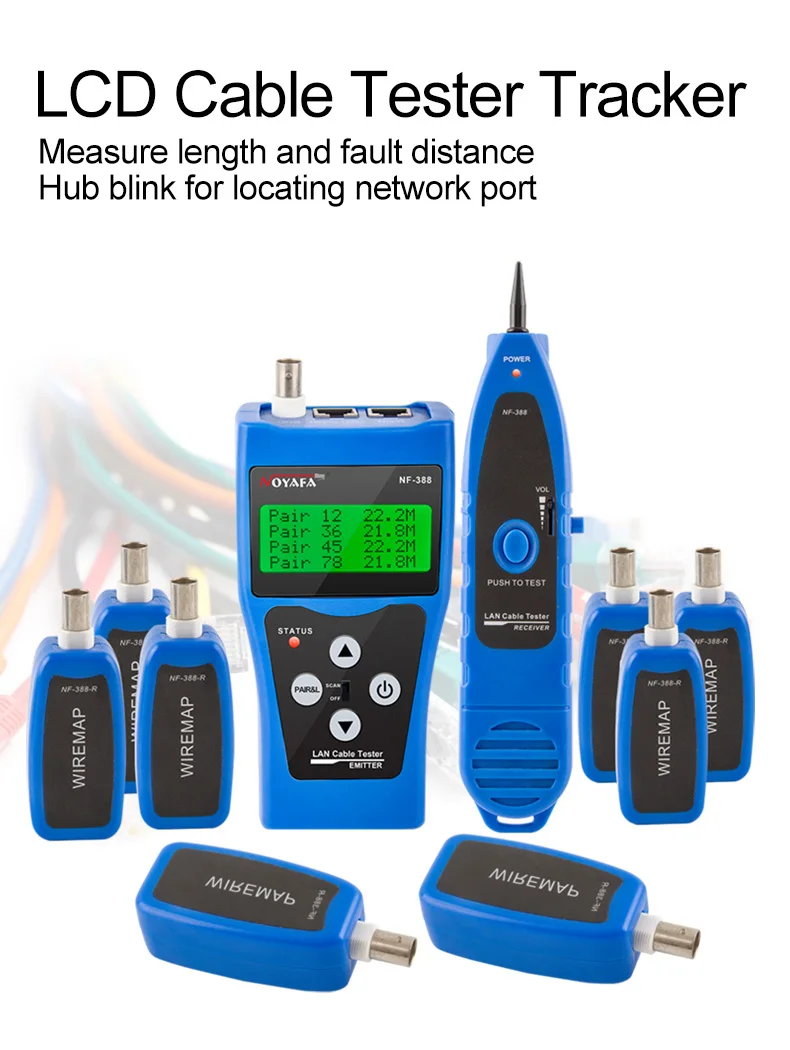
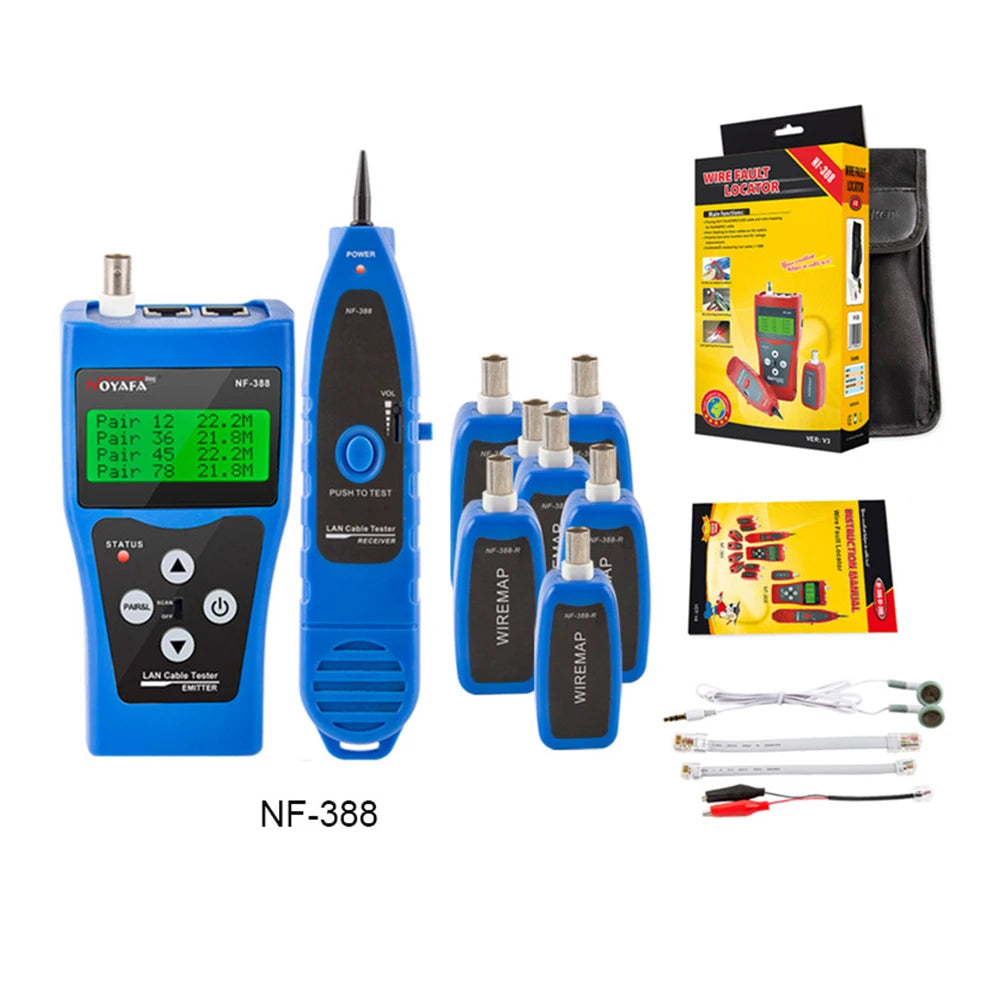
NOYAFA NF-388 Multipurpose LAN Phone Cable Tester 8 Port Wire Tracker
NOYAFA NF-388 Multipurpose LAN Phone Cable Tester 8 Port Wire Tracker
Regular price
$172.87 AUD
Regular price
$172.87 AUD
Sale price
$0.00 AUD
Unit price
per

Couldn't load pickup availability

NOYAFA NF-388 Multipurpose LAN Phone Cable Tester 8 Port Wire Tracker
Regular price
$172.87
Regular price
$172.87
Sale price
$0.00
Unit price
per
Features:
1. Directly hunt 5E, 6E, telephone wire, coaxial cable, USB cable and other cables.
2. Hub blink for locating network port by the flashing port light on Hub / Switch.
3. Check wiring error in 5E, 6E, coaxial cable, such as open circuit,short circuit, jumper wire, reverse connection.
4. Locate the wiring or connection error.
5. Measure cable length up to 1000m and locate the breakage point.
6. polarity test function measure DC voltage (0.5-60 V).
7. Memory and storage for calibration data.
8. Automatically time-delay shut off and Low battery alarm function.
9. With 8 remote identifiers , more easy to work.
Technical indexes:
NF-388 Transmitter specifications
IndictorLCD 53x25 mm, with back light
Tone frequency225kHz
Max. distance of transmission2 km
Max. distance of cable map1 km
Max. working currentLess than 70mA
Tone mode2 Tones adjustable
Compatible connectorsRJ11,RJ45, BNC, USB
Function and faults LCD displayLCD display ( wiremap, Tone, short, , No adapter, Low battery )
Cable map indicationLCD (#1-#8)
Shielded indicationLCD ( #9)
Voltage protectionAC 60V/DC 42V
Battery TypeDC9.0V(NEDA 1604/6F22 DC9V x 1pcs)
Dimension(LxWxD)185x80x32mm
NF-388 Receiver specifications
Frequency225kHz
The Max. working currentLess than 70mA
Earjack1
LED illumination2
Battery TypeDC9.0V(NEDA 1604/6F22 DC9V) x1pc
Dimension(LxWxD)218x46x29 mm
NF-388 Remote unit specifications
Compatible connectorsRJ45, BNC
Remote units8
Dimension(LxWxD)107x30x24mm
Attention:
1.Don't connected high voltage lines to avoid buring out the machine.
2.Put into the right place to avoid hurting others,because of the sharp part.
3.Connected the cable to the right port.
4.Read the user manual before use it.