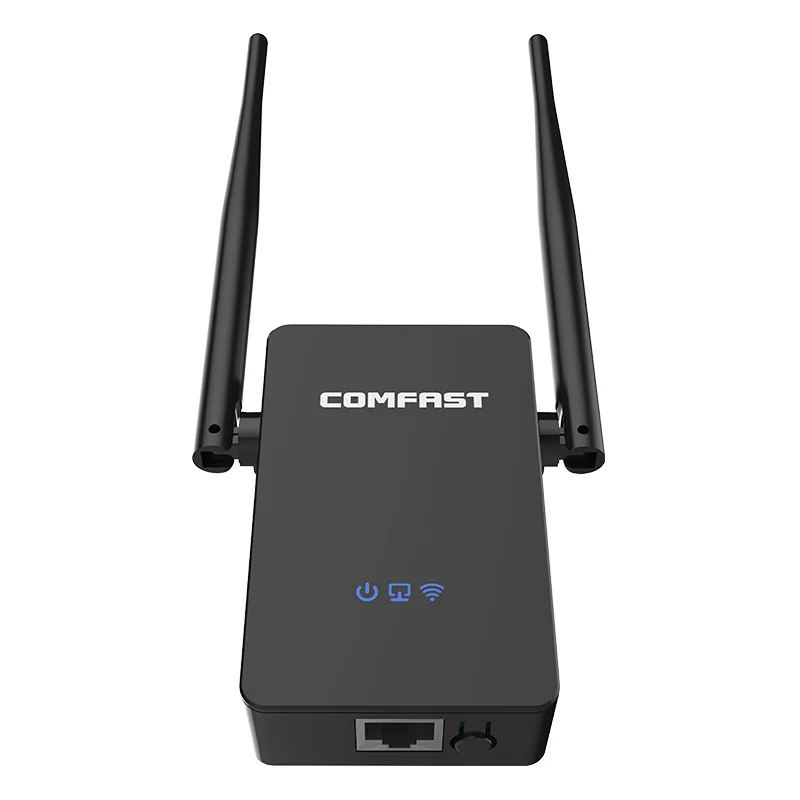
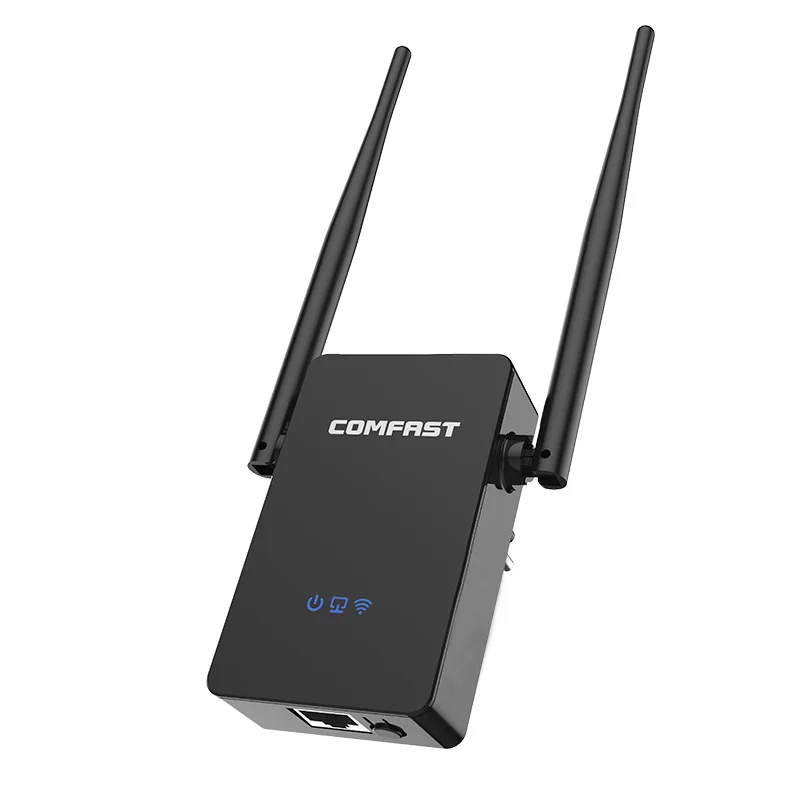
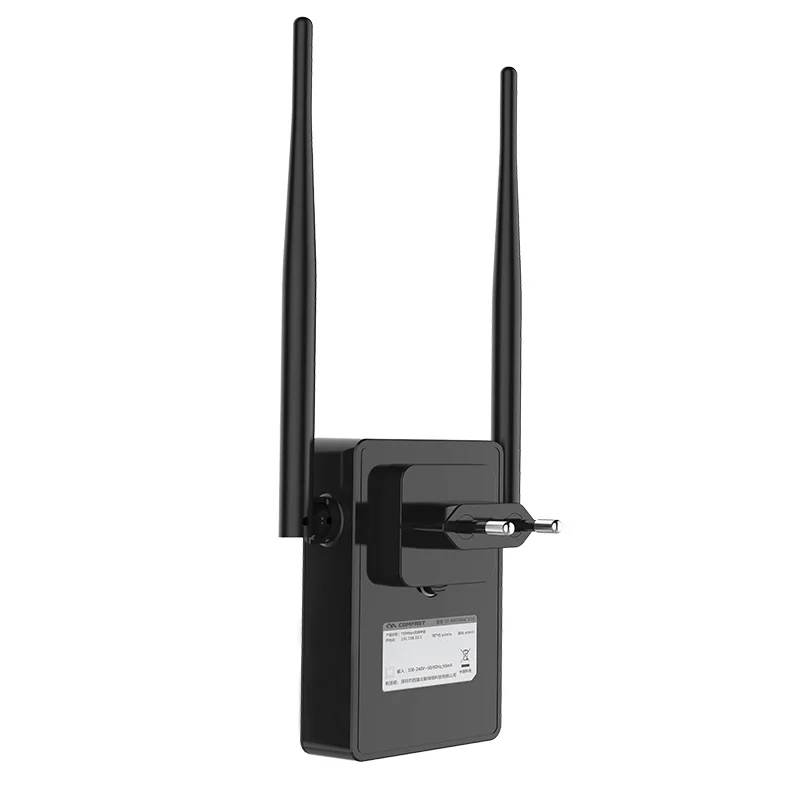
300Mbps WiFi Repeater 802.11b/g/n Long Range Signal Booster
300Mbps WiFi Repeater 802.11b/g/n Long Range Signal Booster

Couldn't load pickup availability

300Mbps WiFi Repeater 802.11b/g/n Long Range Signal Booster
Specification:
1.Model: CF-WR304S V2
2.Colour: White
3.Chipset:MT7628KN
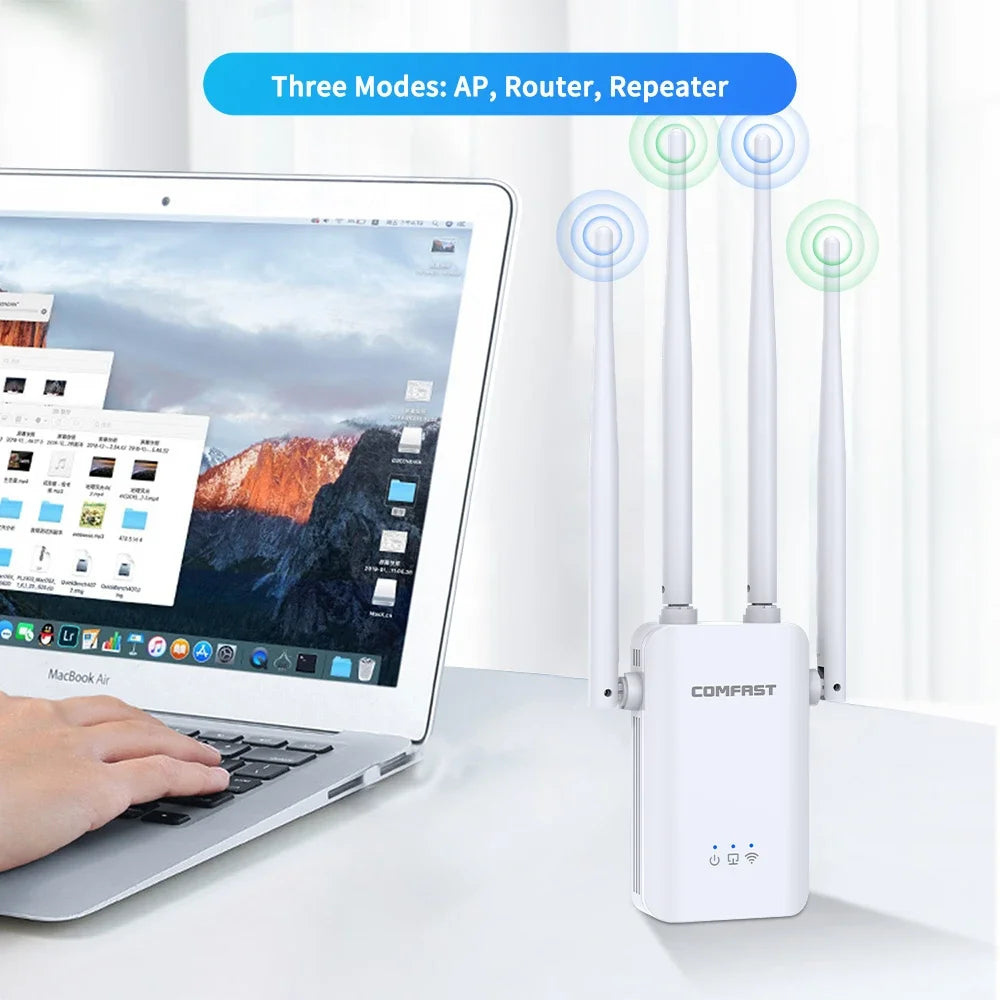
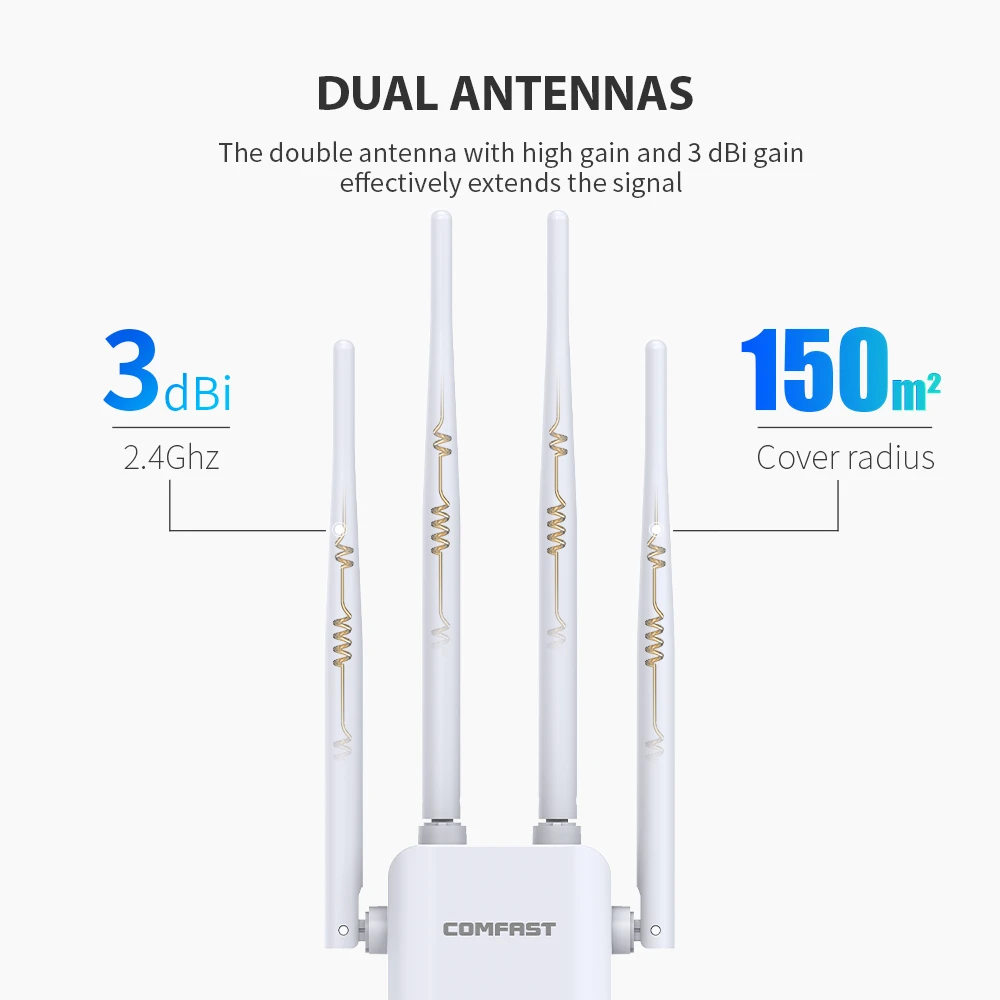
4.Antenna: 4*3dBi high-gain Omnidirectional antenna
5.Wireless Standard:IEEE802.11a/b/g/n standard
6.RF Parameters:Transmit Power:80mW(19dBm)
7.Acceptance Sensitivity: -96dBm
8.Working Frequency: 2.412-2.472GHz
9.Transmission Rate:2.4GHz : 300Mbps
10.Physical interface : 1*10/100Mbps WAN/LAN RJ45 Ethernet port ;
11.Power :100-240V,56/60Hz
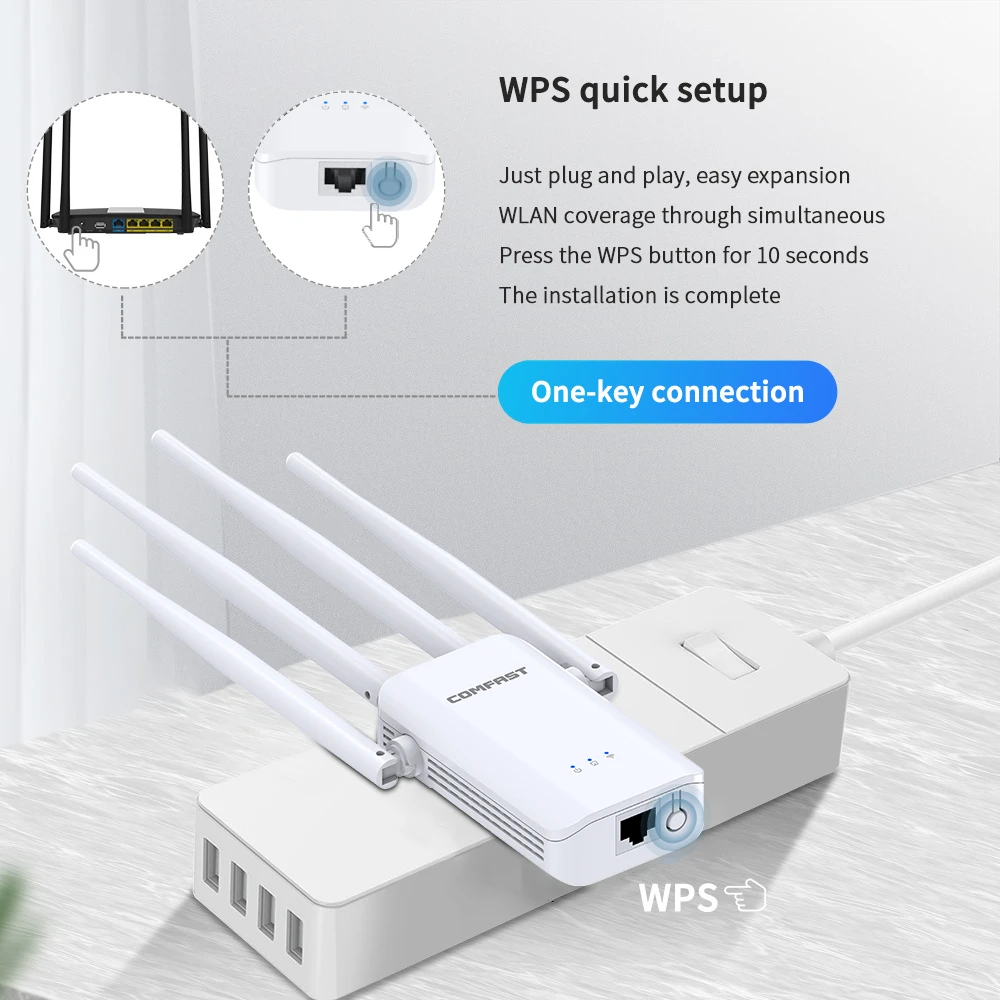
12.Indicator light : Power status, network port status, WiFi status



Q&A:
Q1: Can't connect to internet after finished setting ?
A1: Please check whether you enter the same password as your router, and check is there any special characters in it, such as *&^%$#@!. If yes, please change your router password. Repeater can not identify special characters.
Q2: How to reset the repeater ?
A2: Please long press the reset button for 10 seconds under powered.
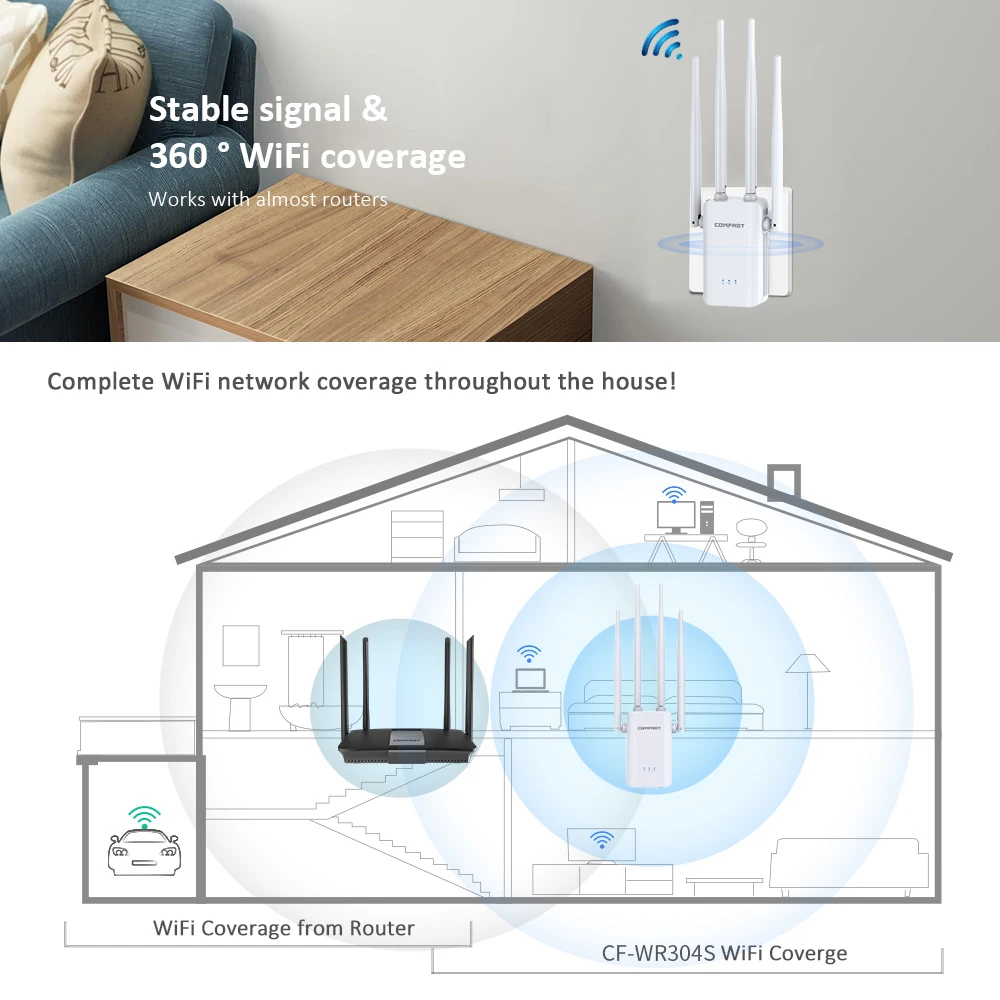
Q3: What is the coverage of repeaters?
A3: The range of the wifi repeater is about 10-20m
Q4: Why does the wireless transmission rate speed down,when the wireless signal! is stronger after repeated by the Repeater?
A4:Repeater has to process one-way communication between your root Wireless
In compliance with the wireless transmission protocol,all the Repeater devices are set to work in half-duplex instead of full-duplex mode.In other words,the router(or AP) and the terminal clients; so the transmission time will be double-increased,while the speed will be decreased.Recommends that you connect to the extender when your home network connection is poor ,or when you want a larger wireless coverage to eliminate' dead zones''
Q5: Why the devices connected to the Repeater cannot get an IP address from the Repeater and cannot access the Internet?
A5:
①Maybe you enabled a wireless for MAC filter ,wireless access control,or access control list(ACL) on your router. To solve this problem,please log into your router and disable the for MAC filter,wireless access control or ACL.
②Maybe the Repeater has not been successfully connected to your router,please reset the Repeater and Reconfiguration.
③Maybe the IP address of the router is occupied or the wireless device connected by the router has reached the limit. please reboot your router,then reset the Repeater and Reconfiguration.
Q6: After the repeater is set, unplug or power off, do I need to reset it?
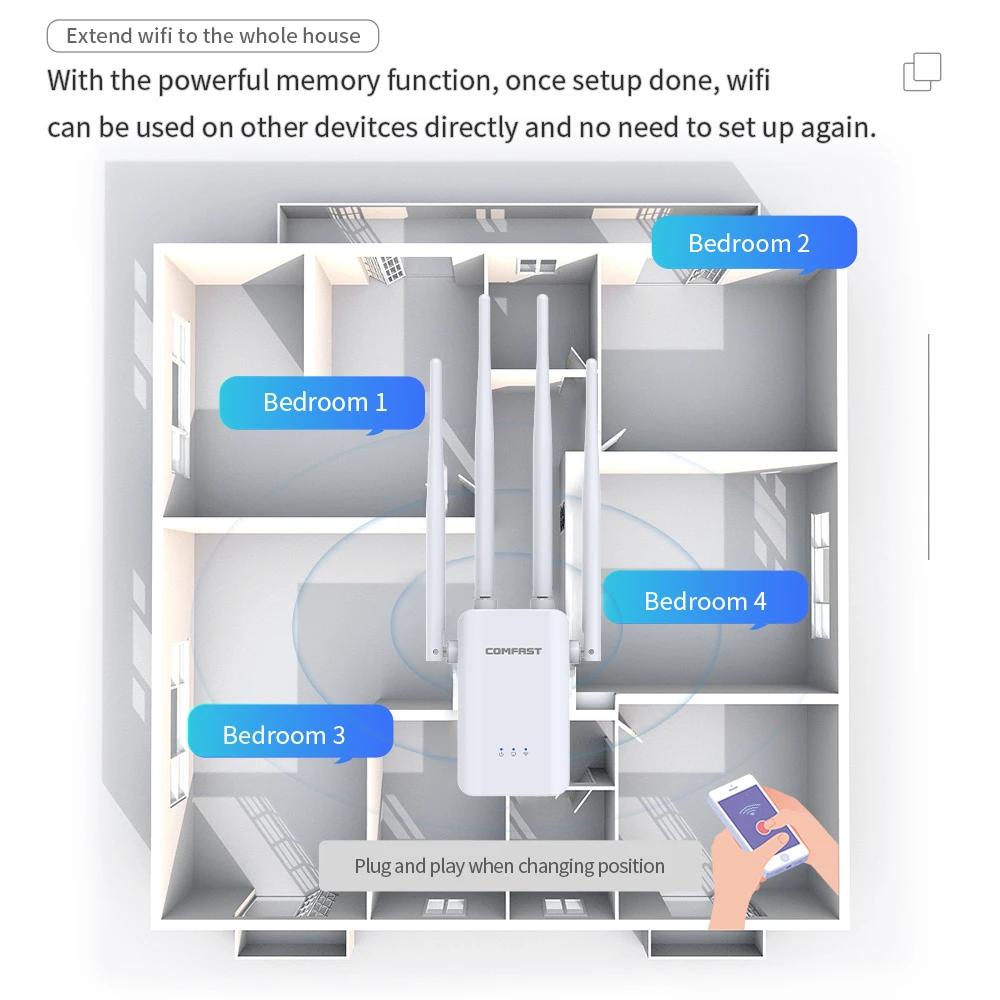
A6: No need to reset, the original configuration information is saved unless you manually restore the factory state.
Q7: Does it work with the other brands Router ?
A7: Our Repeater work with most routers on the market ,It work best with comfast wireless router.
Q8: Does a wifi repeater booster wifi speed?
A8: A wifi repeater expands the coverage but can not boost wifi speed
Q9: There are many rooms in the house, is one repeater enough?
A9: If you need to fully cover the WiFi signals in multiple rooms, you need to add an appropriate number of repeaters based on the specific environment.
Q10: What is the wifi speed of this repeater ?
A10: The Speed is depend on the main router. If your router is dual band 2.4G & 5G wifi signal, this mode repeater can received 2.4G wifi signal, and give 2.4G wifi speed.
Q11: What is the difference between 2.4GHz and 5GHz?
A11: 2.4GHz: The penetration is good, the transmission distance is much greater than 5GHz.
5 GHz: The speed is faster than 2.4 GHz, but the penetration is not better than 2.4G, the speed is reduced by half when there are barriers such as walls between extenders and devices.
Q12:What should I do if I cannot access the Repeater' s web management page?
A12:
①Make sure your computer is connected to the extended network.
② Make sure your computer is set to obtain an IP address automatically.
③ If the Repeater has connected to the router,you should go to your router' s DHCP client list to obtain the Repeater' s current IP address.
④ Reset the Repeater.
Q13:How many phones can the repeater connect to at the same time?
A13:Usually the amount of the machine depends on the main router. Maybe it can support 5-10
Q14:Does the setting of the repeater must need to be connected to the computer with a network cable?
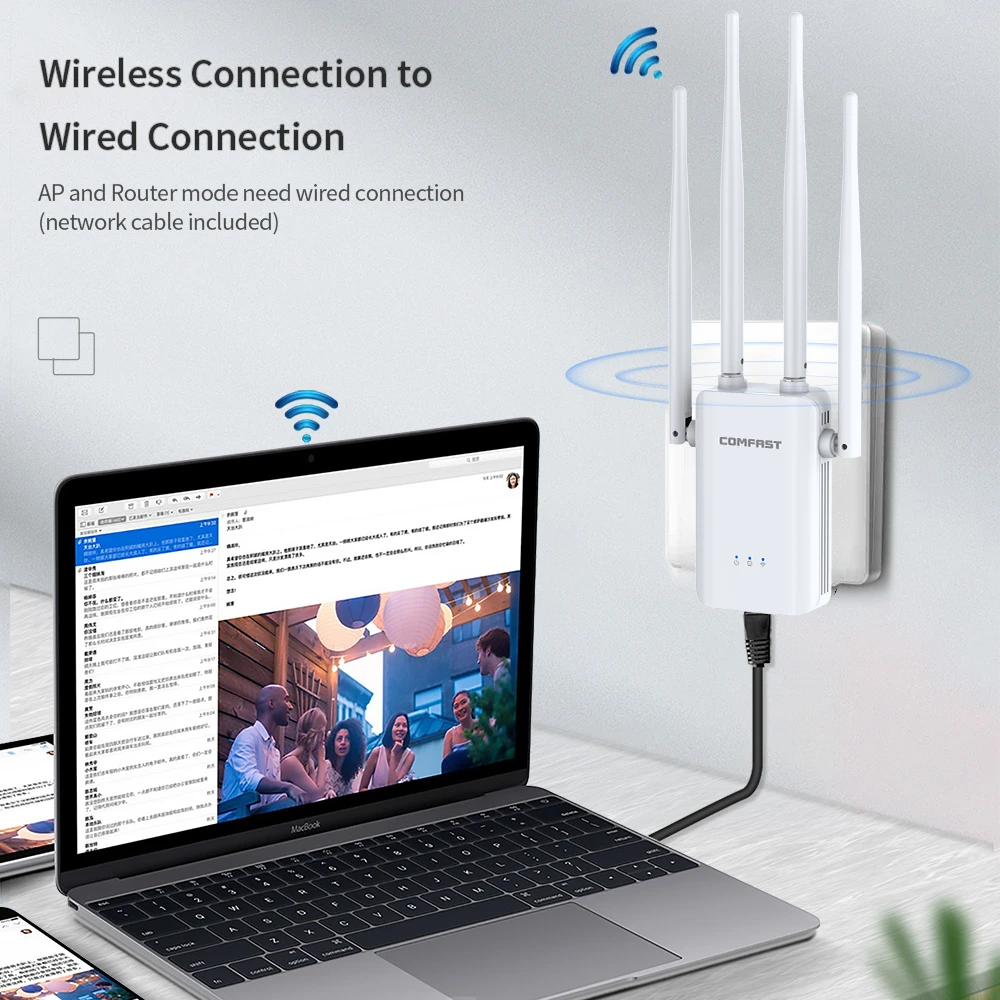
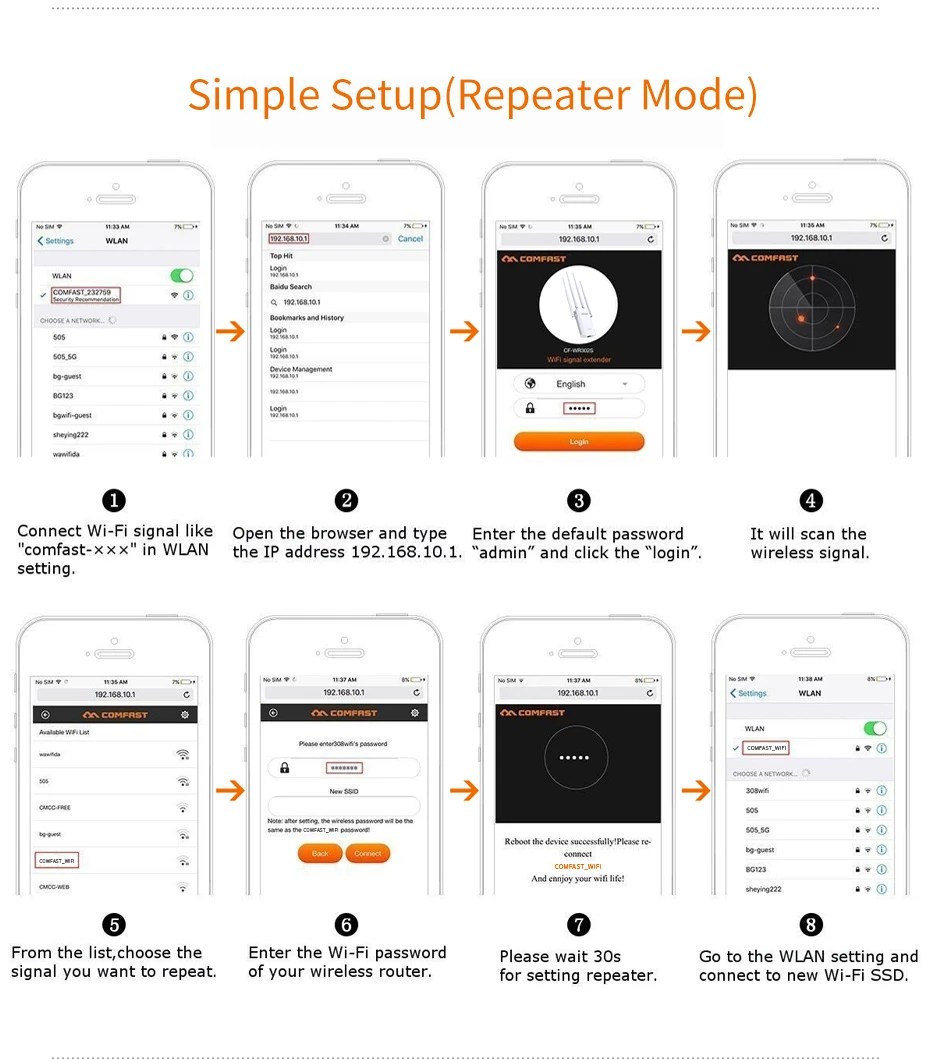
A14:No, the relay mode of the repeater can be set by connecting the mobile phone to the wifi signal of the repeater.